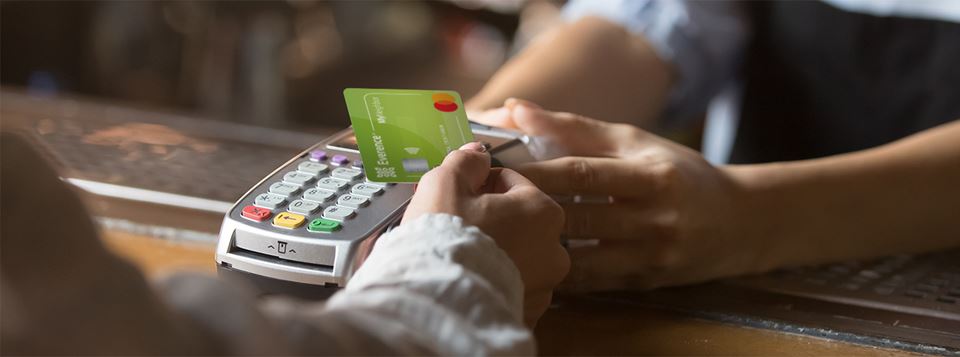
If you haven’t selected your Neighbor – the charitable organization receiving the donation generated by using your MyNeighbor card – or want to select a new one, you can quickly and easily through the MyNeighbor dashboard.
Access the MyNeighbor dashboard by:
- Log in to online banking or the mobile app.
- Under Favorite Accounts on the Home tab, click on your MYNEIGHBOR MC account.
- Click MyNeighbor Dashboard.
- Select Go to Everence MyNeighbor Dashboard and follow the prompts to search and select a charity.
The Neighbor you have selected as of Dec. 19 will receive your generated donations for that year. You do not have to change your Neighbor every year, the organization you select will stay your Neighbor into the future unless you change it.
In this dashboard, you can also see your generated impact for the year, plus the "lifetime giving" of your card.
If you are a business MyNeighbor credit card holder, an authorized signer on the account should email [email protected] to proceed with changing your selected non-profit Neighbor organization to receive the funds. Please include the name of the non-profit and their mailing address.
If you have any questions or need to set up your online banking login information, call or text 800-451-5719 or email [email protected].